Choosing the best indoor cycling app starts with your bike and the data it can provide. Smart bikes and trainers that transmit cadence, power, or resistance unlock immersive virtual rides and structured training plans, while basic exercise bikes can still work well with apps that use instructor-led classes, perceived effort, and manual resistance adjustments.
Which cycling apps work with your setup?
Start by checking what your bike or trainer can actually communicate. The most common mistake is paying for an app built around smart resistance or power targets when your equipment can only support video classes or basic timing.
Regular exercise bikes and spin bikes
A regular exercise bike or spin bike can work with many indoor cycling apps, especially class-focused ones such as Peloton App or Apple Fitness+. You follow the instructor's cadence and resistance cues manually, using your bike's own knob or resistance buttons.
This is usually enough if you want a simple fitness habit before work, short evening rides, or a motivating class without buying new hardware. It is less ideal if you want accurate watt targets, automatic resistance changes, racing, or detailed cycling performance analysis.
- Good fit: guided classes, music, general fitness, easy setup.
- Weak fit: precise power training, automatic hill simulation, serious racing.
- Check first: whether the bike broadcasts cadence, heart rate, speed, power, or resistance.
Bikes on basic trainers with compatible sensors
A road bike or hybrid bike on a basic trainer can become a useful app setup if you add compatible sensors. At minimum, cadence and speed sensors help the app estimate your effort; a heart rate monitor or power meter makes the training data more useful.
The trade-off is manual control. The app may tell you to ride harder, spin faster, or hold a target effort, but you change gears and resistance yourself. For someone testing indoor riding through the winter before investing in a smart trainer, this can be a sensible middle ground.
- Mount the bike securely on the trainer.
- Pair the sensors inside the app, not only in the phone settings.
- Run any required calibration before the first serious ride.
- Test one short workout before starting a paid plan.
Smart trainers and connected bikes
Smart trainers and connected bikes unlock the richest app features: automatic resistance, power-based intervals, simulated climbs, and more realistic virtual riding. Apps such as Zwift, Rouvy, TrainerRoad, Wahoo SYSTM, and MyWhoosh make far more sense when the trainer can respond to the workout.
Compatibility still needs checking because "connected" does not always mean open. Some bikes work best inside their own ecosystem, while others support broader Bluetooth or ANT+ pairing.
- Look for: Bluetooth FTMS, ANT+, ERG mode, and controllable resistance.
- Be careful with: bikes that show metrics on their own screen but do not share them with third-party apps.
- Worth it when: you ride several times a week or care about structured improvement.
Phones, tablets, computers, and TVs
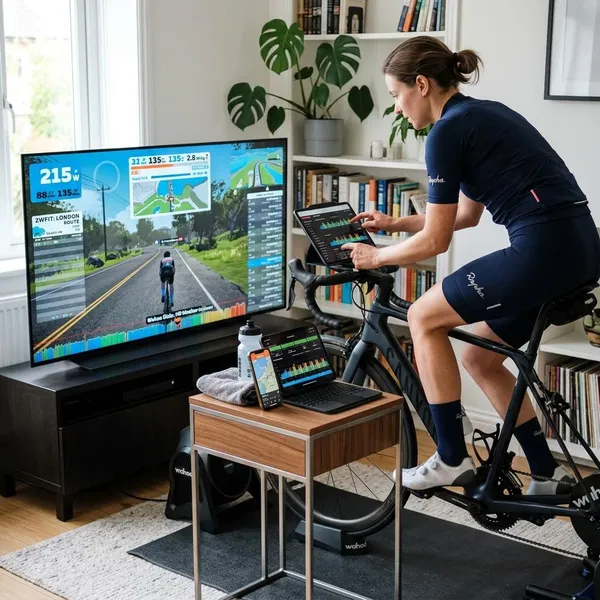
The screen you use changes the experience more than people expect. A phone is fine for quick instructor-led workouts, a tablet is easier to read on the handlebars, and a laptop, monitor, or TV feels better for virtual routes and group rides.
If you ride in a garage or spare room, a larger screen and a fan may improve consistency more than another app feature. In a small apartment, a tablet mount and Bluetooth headphones may be the cleaner setup. Before subscribing, confirm that your chosen device can pair with your sensors, because app support can differ between iOS, Android, desktop, and TV versions.
What do indoor cycling apps cost?
The subscription price is only one part of the cost. A cheap app can become expensive if it requires sensors, a better screen, or a smart trainer before it feels useful.
Free access and paid subscriptions
Free indoor cycling apps can be enough for casual riding, especially if you mainly want routes, basic workouts, or something to make the trainer less boring. MyWhoosh is one commonly mentioned free option for virtual riding and structured sessions.
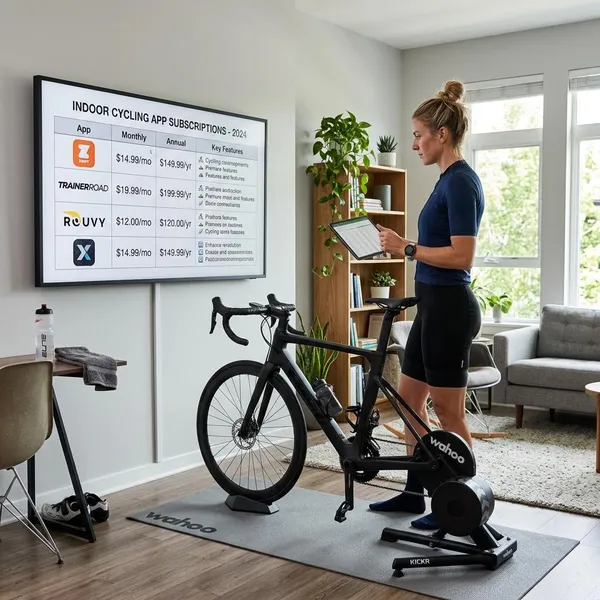
Paid apps usually justify the cost with better polish, larger workout libraries, stronger analytics, live classes, social features, or more reliable device support. Many popular cycling and fitness platforms fall somewhere around a monthly subscription model, but prices change often enough that it is better to compare current plans before deciding.
| Best value if you want | What to compare before paying |
|---|---|
| Virtual rides | Routes, events, group rides, trainer control |
| Performance training | Plans, power targets, progression, recovery tools |
| Studio-style classes | Instructors, music, class length, non-cycling workouts |
Monthly plans and annual savings
Monthly billing is the safer starting point if you are new to indoor riding or unsure which style you prefer. It gives you time to learn whether you actually enjoy virtual worlds, strict intervals, or instructor-led classes.
Annual plans can make sense once the app has become part of your routine. A rider using the app four or five times a week through winter and spring may save enough to justify paying upfront. If you tend to ride indoors only during bad weather, a monthly plan is often the cleaner choice.
Trials, renewal terms, and cancellation
A trial is useful only if you test the things that usually cause frustration: sensor pairing, screen setup, workout style, and cancellation flow. Do not spend the whole trial browsing the library and then discover on day eight that your trainer will not connect properly.
- Pair your gear: confirm cadence, power, heart rate, or resistance before judging the app.
- Try your real ride type: one class, one route, or one structured workout.
- Check billing location: app store subscriptions and direct website subscriptions may cancel differently.
- Set a reminder: trials often renew automatically unless you stop them in time.
Equipment costs beyond the subscription
The first comfort upgrade I would consider is not always a smarter trainer; it is often a strong fan. Indoor riding gets hot quickly, and overheating can make even a good app feel miserable.
After that, add gear only when it solves a clear problem. A cadence sensor helps if classes feel vague. A heart rate monitor helps if you want effort feedback. A smart trainer is more tempting once you know you will ride indoors long term, not just for a few rainy weeks.
How to choose an indoor cycling app
Choose by the kind of ride that will make you come back next week. Features matter, but consistency usually comes from one clear fit: scenery and company, measurable training, or a coached class feel.
Choose virtual rides for scenery and company
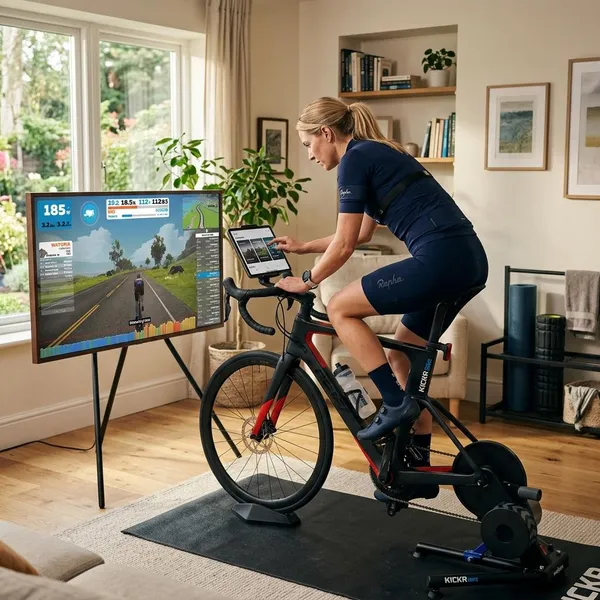
Virtual ride apps are the best fit if boredom is your biggest enemy. Zwift, Rouvy, MyWhoosh, and similar platforms give you routes, riders, events, races, or visual goals instead of a blank wall.
- Choose this if: you miss outdoor riding, group energy, or route variety.
- Use caution if: your bike has no sensors, because the experience may feel disconnected.
- Best setup: smart trainer, larger screen, reliable internet, good fan.
For a social rider stuck indoors all winter, this style can be the difference between riding twice and riding consistently. For someone who only wants a quiet 20-minute fitness session, it may feel like more setup than necessary.
Choose training plans for cycling performance
Training-plan apps are for riders who care more about progress than entertainment. TrainerRoad and Wahoo SYSTM are examples of platforms built around intervals, power zones, recovery, and structured improvement.
This is the better choice if you are preparing for outdoor season, a charity ride, a race, or simply want your limited indoor time to count. It is not the best match if you hate prescribed workouts or need music, personality, and variety to stay motivated.
- Check first: whether you can measure power or use a reliable estimated-power setup.
- Expect: harder workouts, clearer progression, less visual entertainment.
- Avoid: starting an aggressive plan if you only ride occasionally.
Choose instructor-led classes for a studio feel
Instructor-led apps suit riders who want someone else to set the pace. Peloton App is the obvious example, but other fitness platforms also offer cycling classes with music, coaching, and different ride lengths.
This style is especially practical for a shared household. One person might use cycling classes, another may use strength, yoga, or stretching from the same subscription. The compromise is that cycling-specific metrics may be lighter unless your bike and app integrate well.
If you are using a basic spin bike, do one simple test before committing: start a class and see whether the instructor's cadence and resistance cues make sense on your bike. If "resistance 45" has no clear equivalent, you need to be comfortable riding by feel.
Conclusion
The best choice is usually the app that matches your current equipment and the reason you keep riding. Use classes if you want low-friction motivation, virtual rides if you need scenery and company, and structured plans if performance matters most; then test pairing, billing, and one real workout before paying for a long subscription.